
Workflow Variables
About Workflow Variables
Contexts can be a useful feature when you are building workflows on ACTIVATE. Contexts have many uses, such as setting the default values for input fields in the workflow's configuration form. The org context calls custom workflow variables. These variables are configured in your organization's settings.
In the example below, you will see that the form for this workflow contains only one input field. Any text you enter will be output along with the value of orgVariable. If you run the workflow without entering an input, only the value of orgVariable will be output.
jobs:
  main:
    steps:
      - name: Run
        run: echo ${{ inputs.hello }} ${{ org.orgVariable }}
'on':
  execute:
    inputs:
      hello:
        label: My Input
        type: string
        default: '${{ org.orgVariable }}'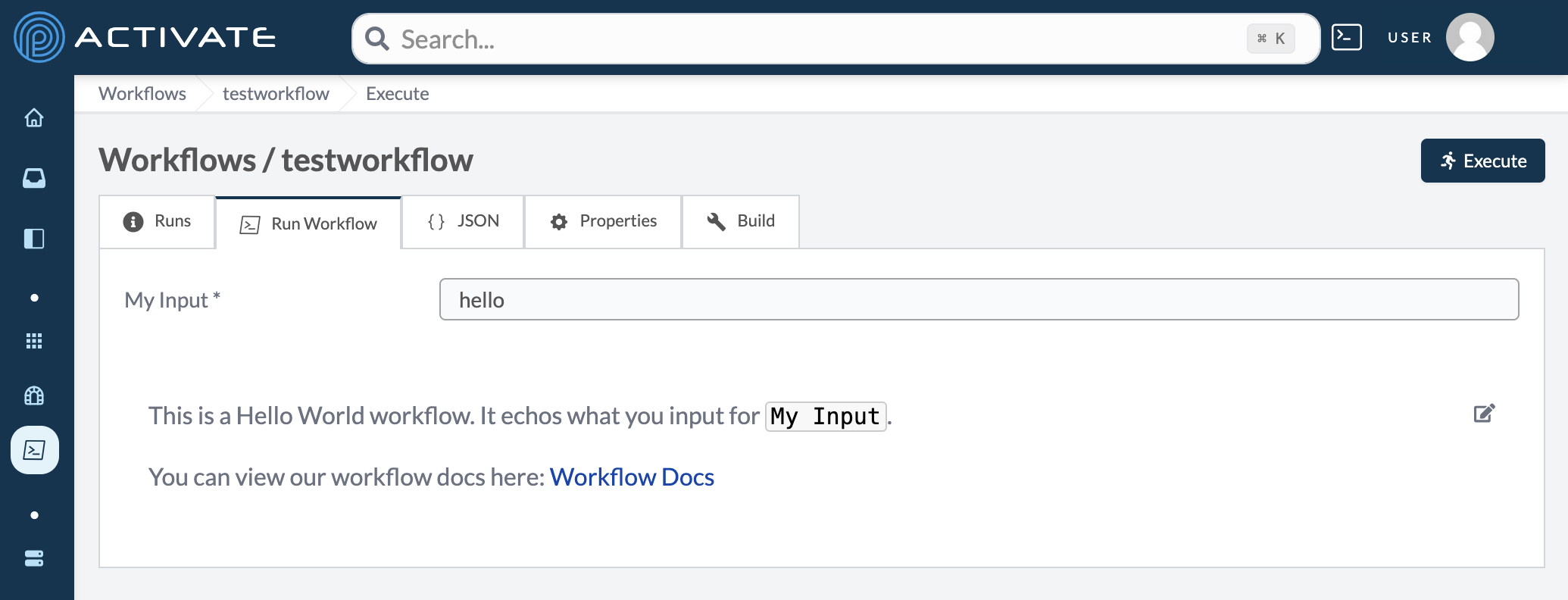
The workflow's input
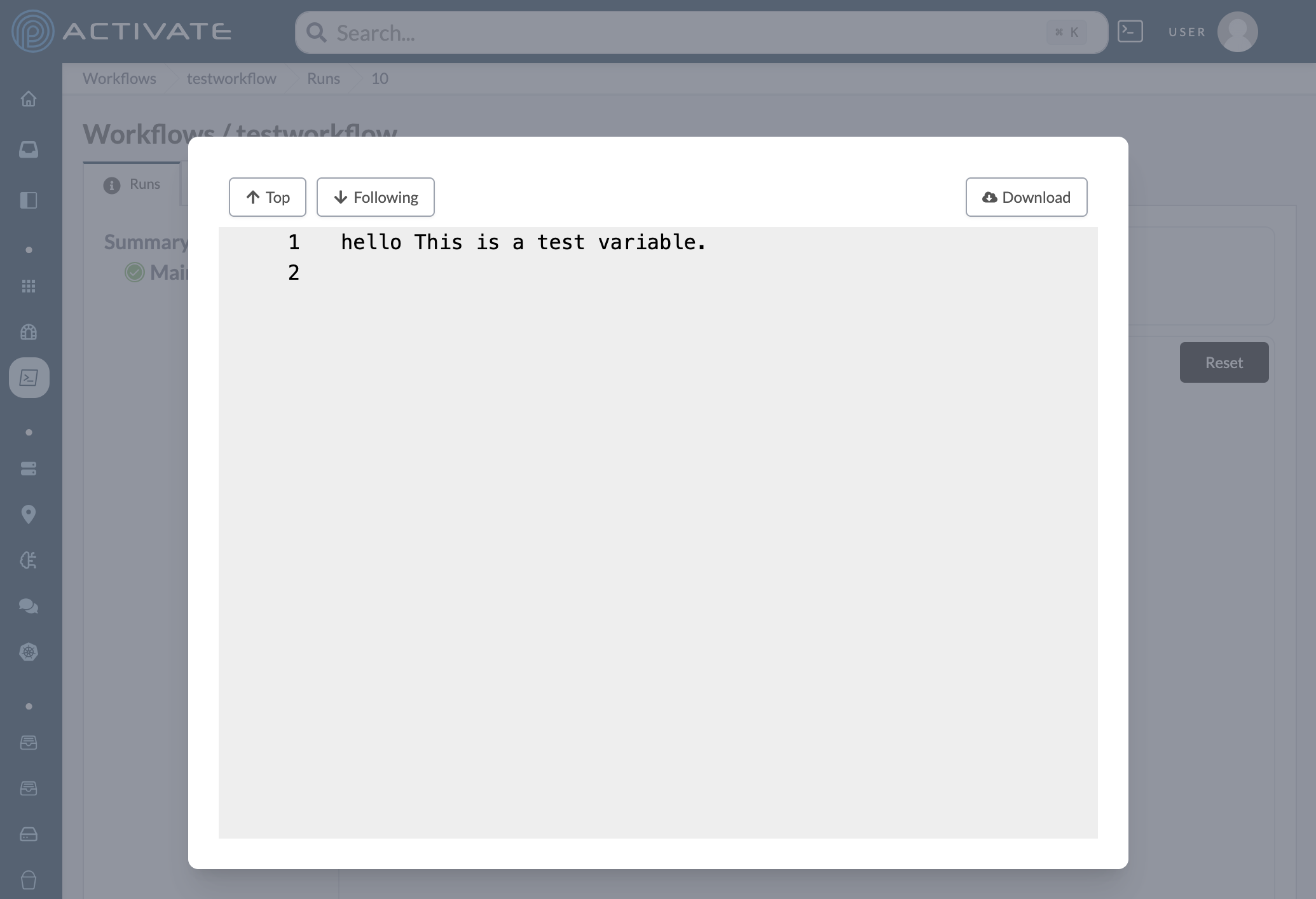
The workflow's output
Configuring Workflow Variables
From the Organizations list, select your organization. In the sidebar, under Settings, click Variables.
In Workflow Variables, click Add Key Value Pair.
Enter a Key, then enter a Value. Click Save. Users will immediately be able to use the new workflow variable.