
Navigating ACTIVATE
This page introduces the major features of ACTIVATE to help new users get oriented.
Your Workspace
Your personal workspace includes tools for managing files and interacting with ACTIVATE. For detailed documentation on each component, see:
- Dashboard - Your central hub for monitoring workflows, sessions, and clusters
- Editor - Full-featured IDE for editing files and code
- Explorer - File browser for managing files
- Terminal - Command-line access to your workspace
- Inbox - Notifications and messages
If you want to customize your workspace layout, see Customizing Layouts.
Run
The Run tab houses the pages for different options to complete work on ACTIVATE.
Workflows
On the Workflows page, you can create and manage your workflows. Any workflows you add from the Marketplace will appear here automatically.
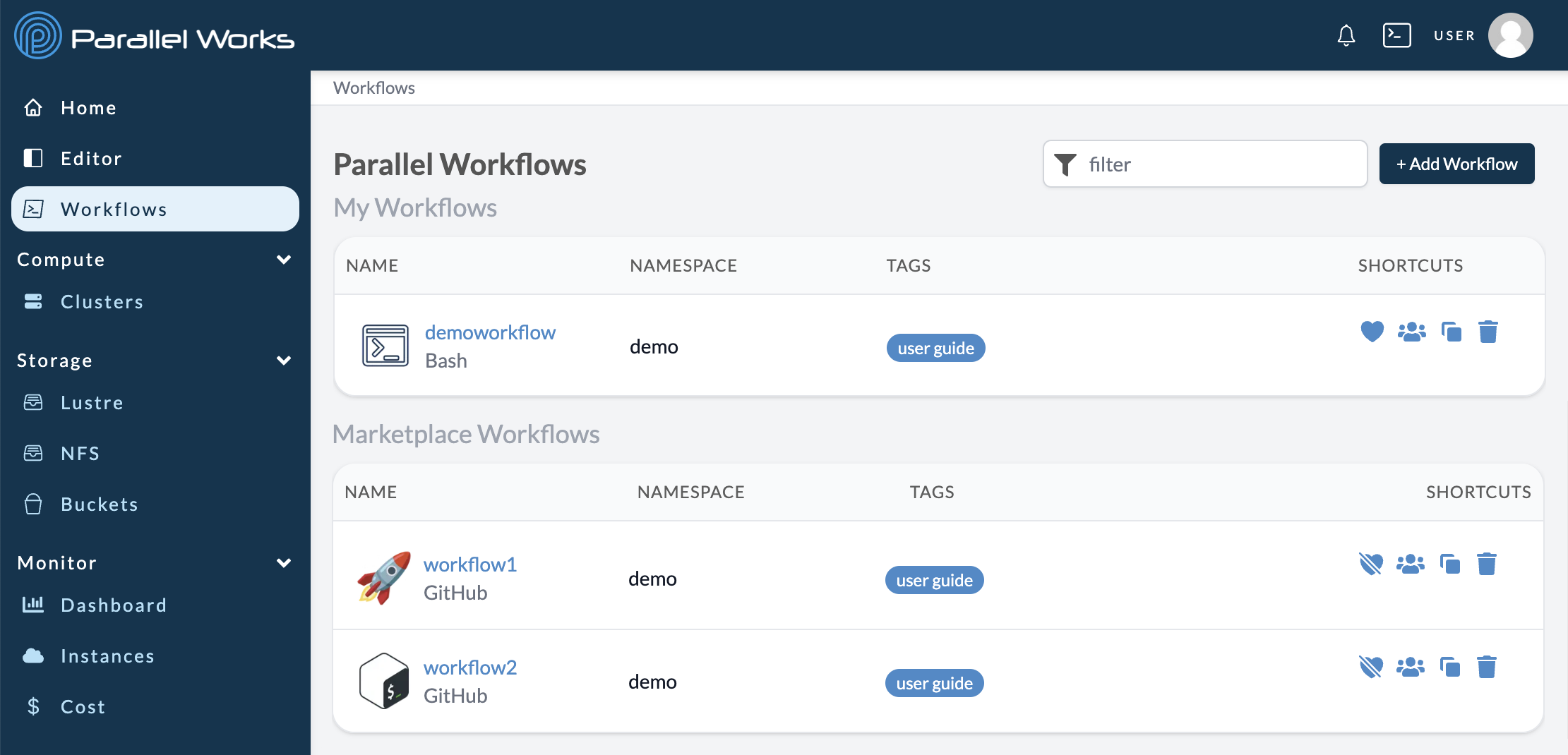
For more information, please see About Workflows.
Sessions
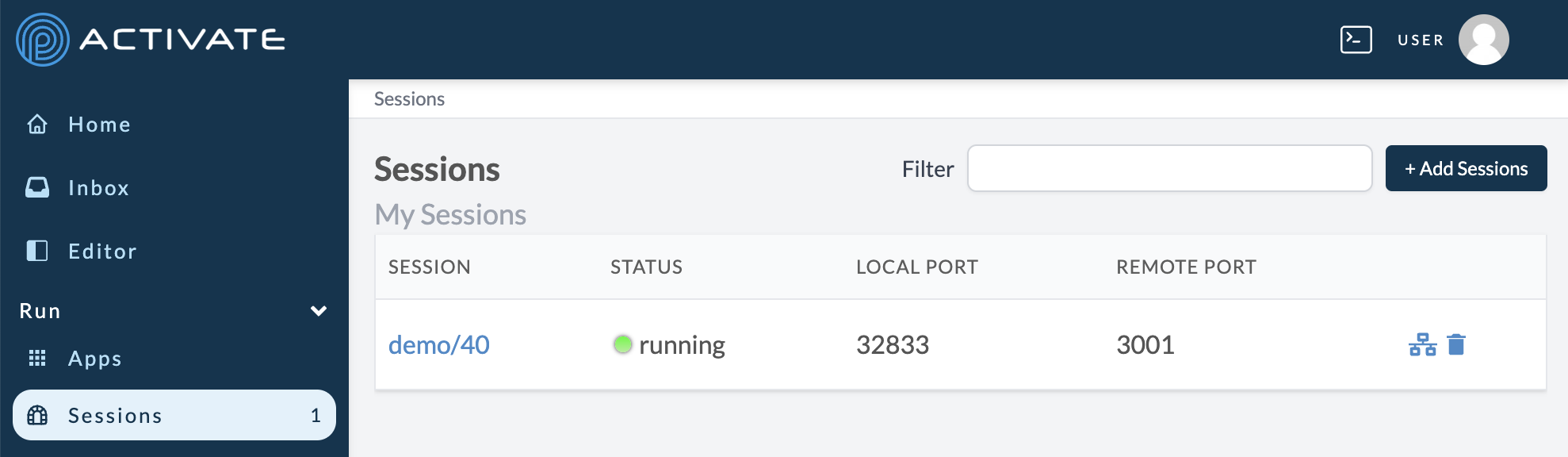
On the Sessions page, you can access running sessions. A session is a secure, shareable connection between a cluster and a workflow. Sessions can also generate interactive applications.
For more information, please see About Sessions.
Compute
The Compute tab houses the pages for different computing resources.
Clusters
On the Clusters page, you can create and manage clusters as well as access any shared clusters.
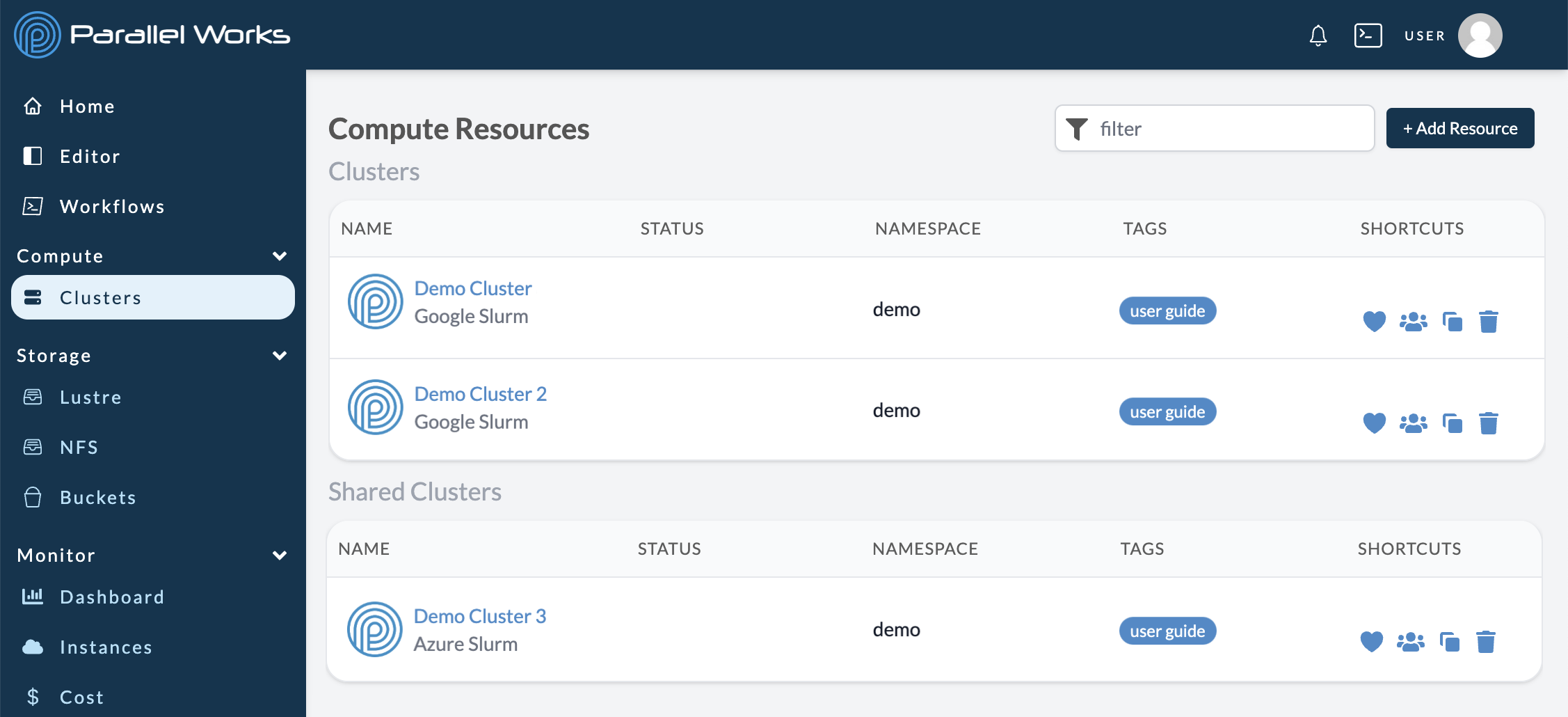
For more information on adding and configuring new resources, please see Creating Clusters and Configuring Clusters.
Storage
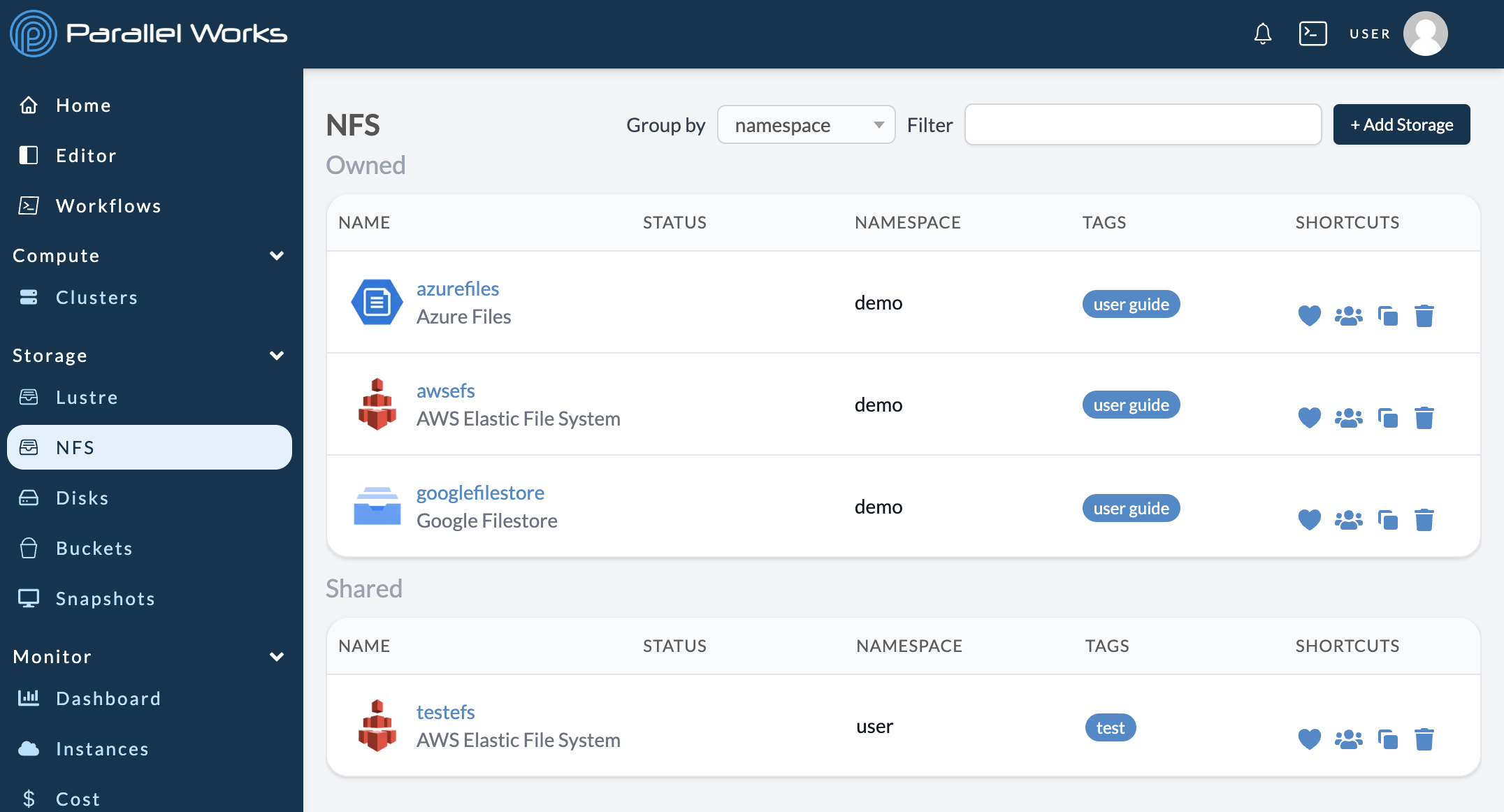
The Storage tab houses the pages for different storage types: Lustre, NFS, Disks, Buckets, and Snapshots. For more information about these options, please see Storage.
Monitor
The Monitor tab houses pages that show important information about your resources and ACTIVATE platform usage.
Cost
The Cost page displays cost tracking information for your organization, such as total spend over time and allocation usage.
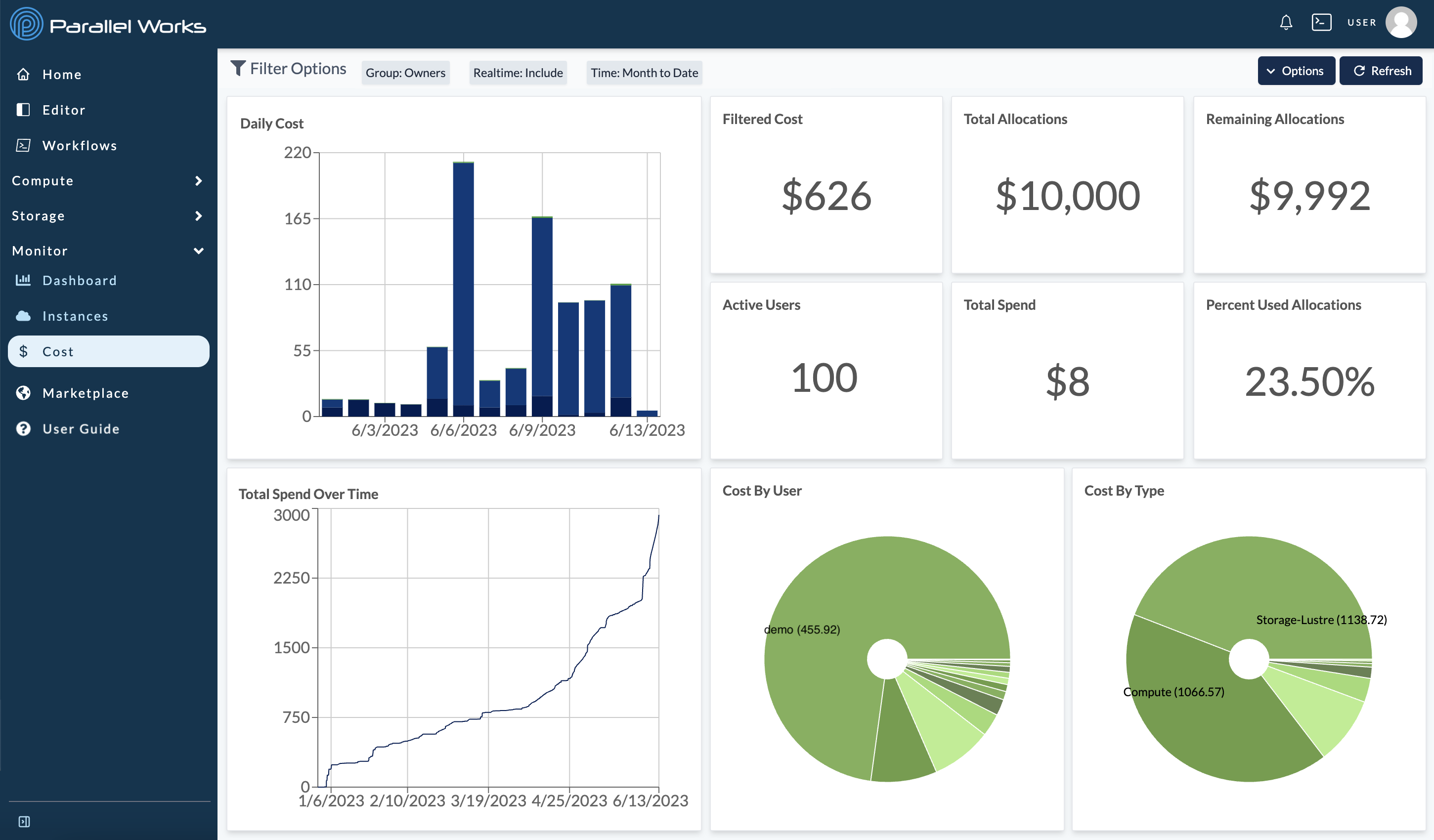
For more information, please see Monitoring Costs.
Instances
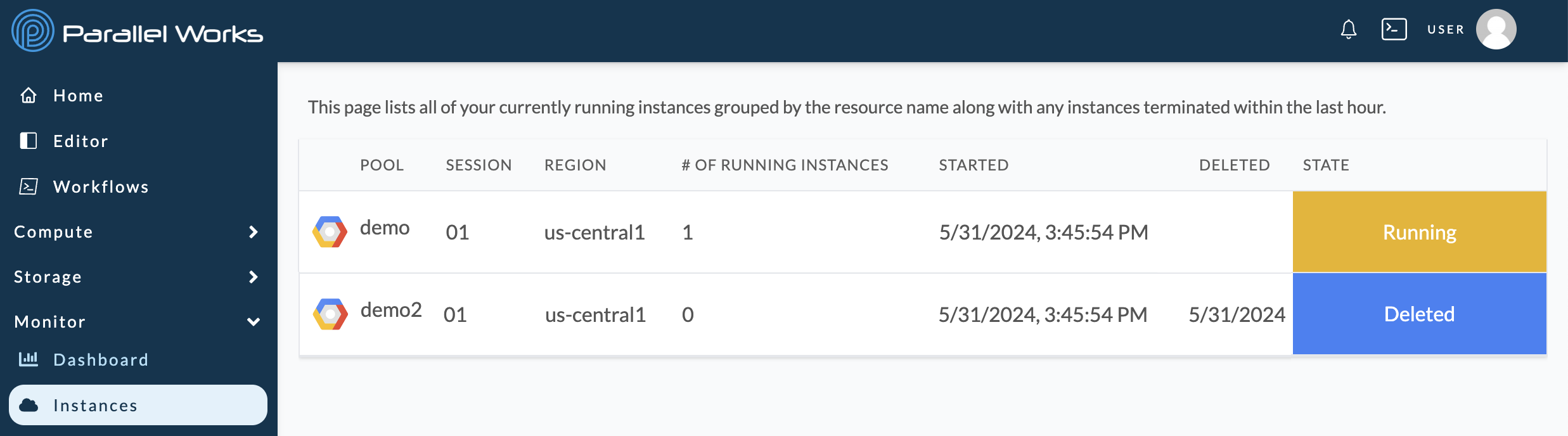
The Instances page displays any running clusters and clusters that have been deleted within the last hour. For more information, please see Instances in Monitoring Your Work.
Marketplace
On the Marketplace page, you can select pre-configured workflows, storage resources, and compute resources for your projects.
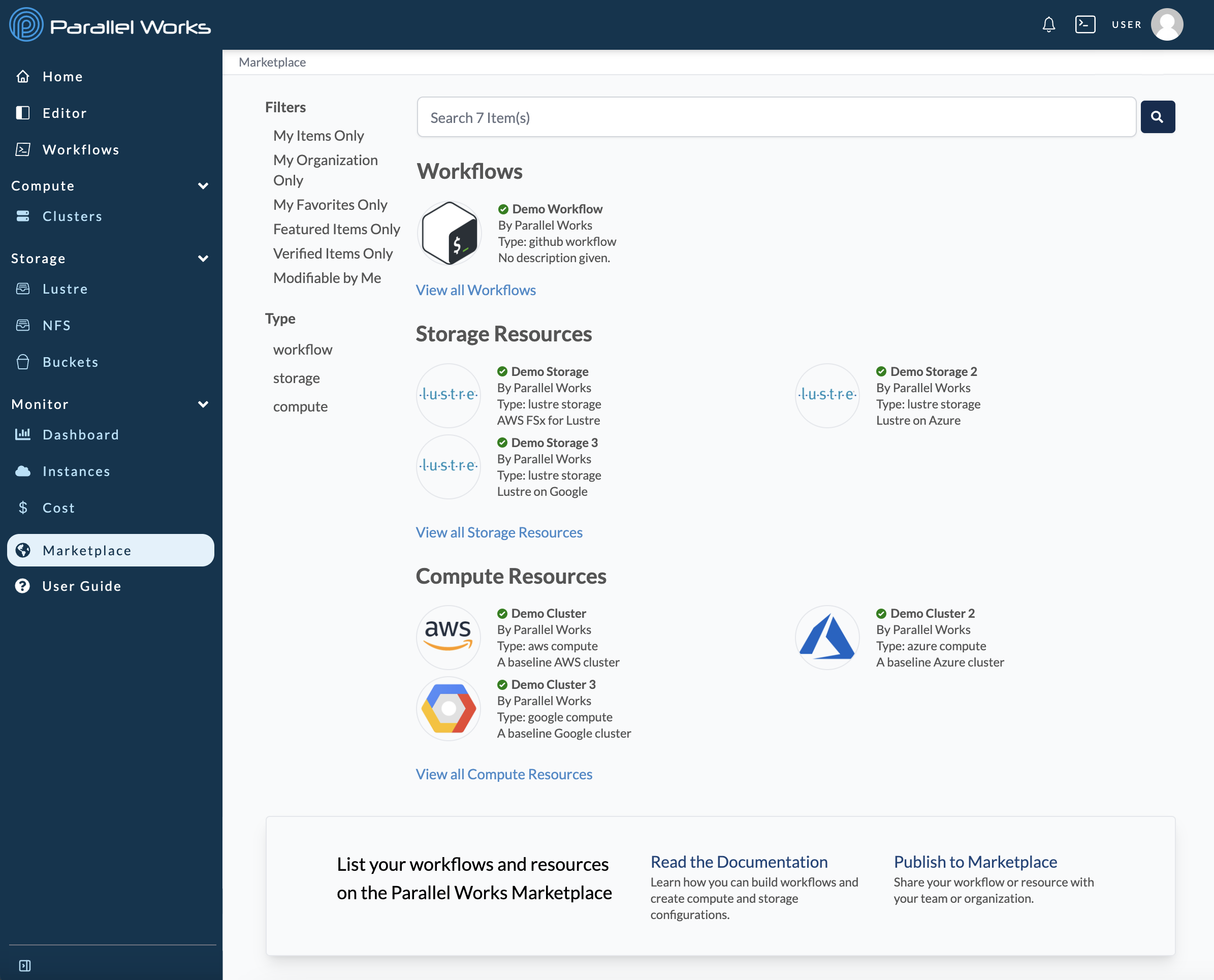
For more information, please see Marketplace.
Feature Preview
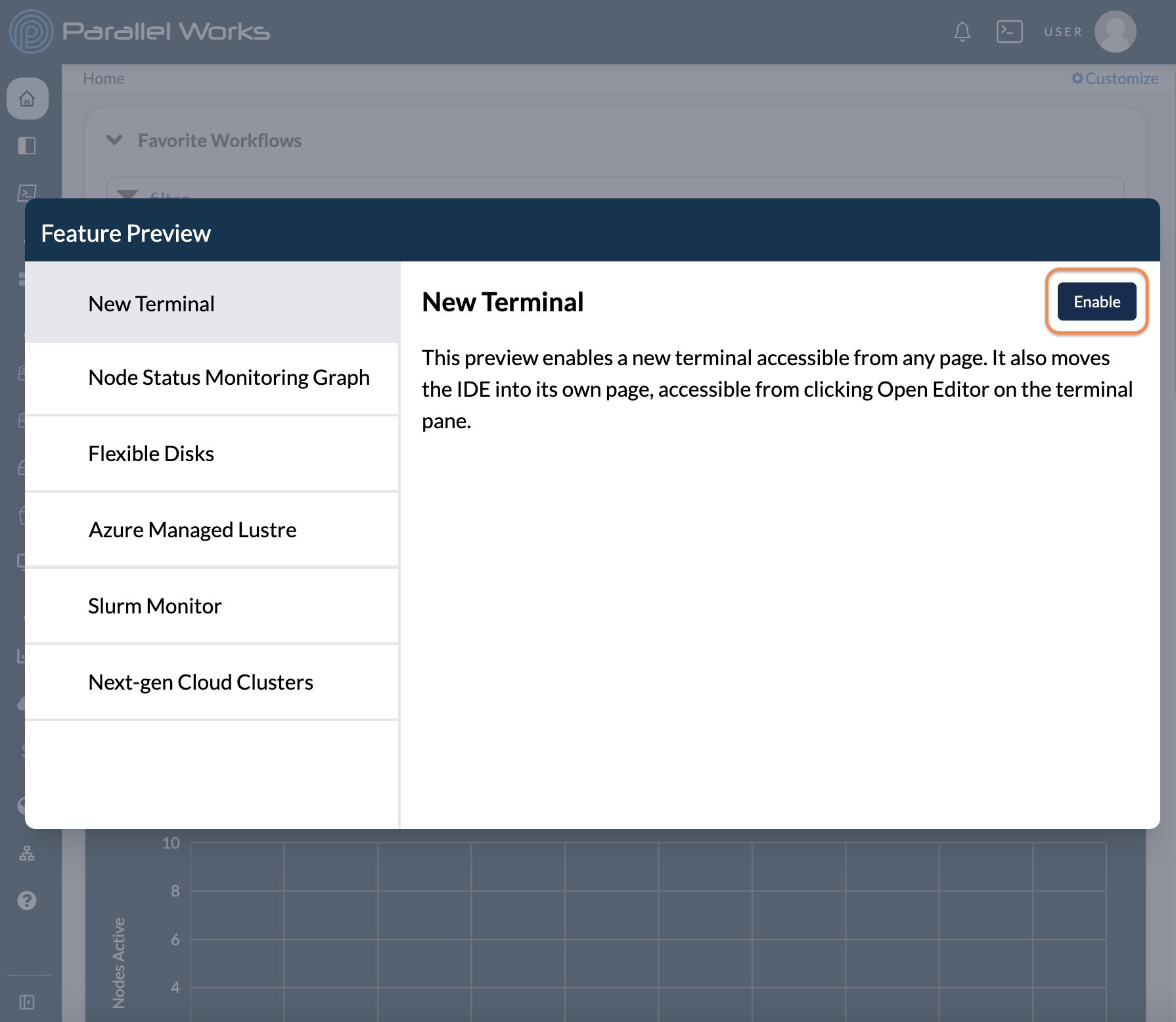
With the Feature Preview, you can test upcoming features before they're integrated into ACTIVATE.
Click your username, then select Feature Preview.
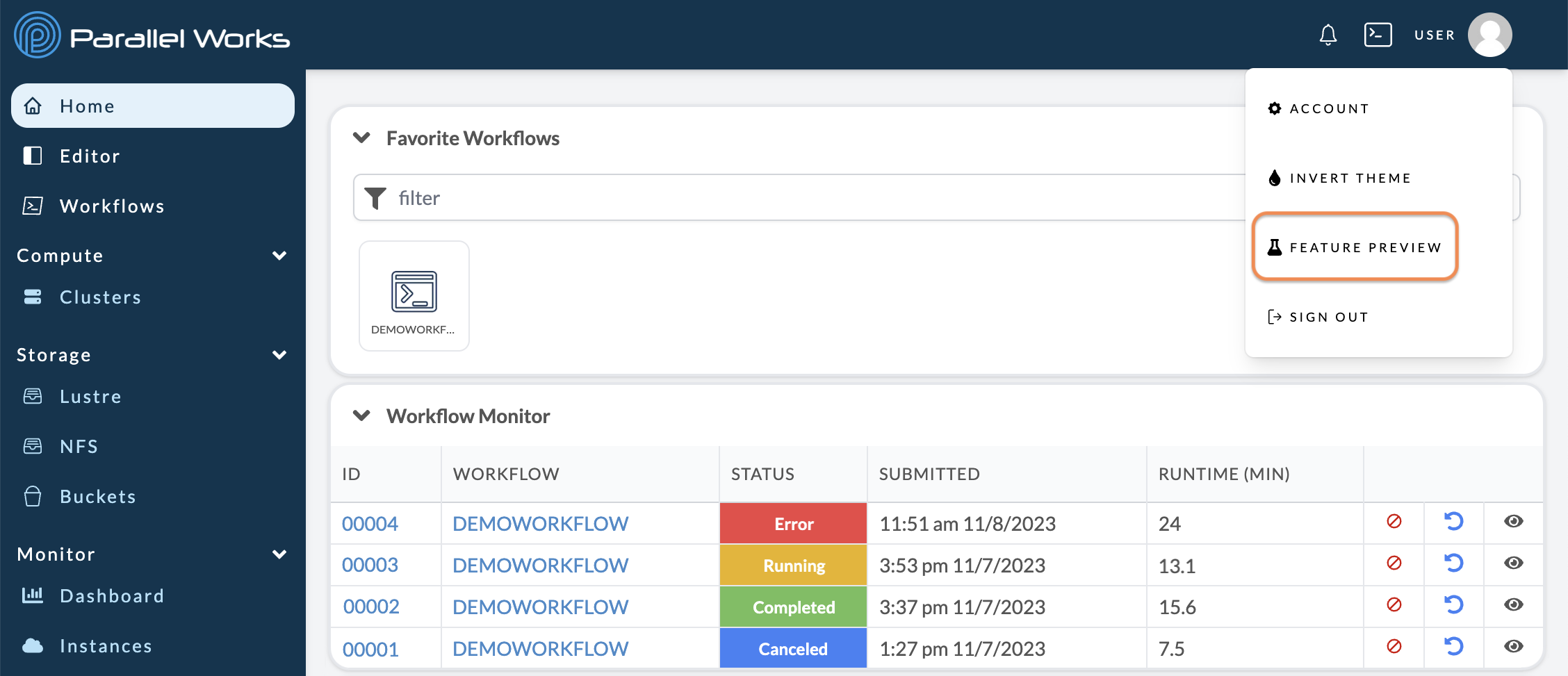
A new dialog box will appear with a list of features. Select a feature, then click Enable.
Enabled features will display a green checkmark next to their names.
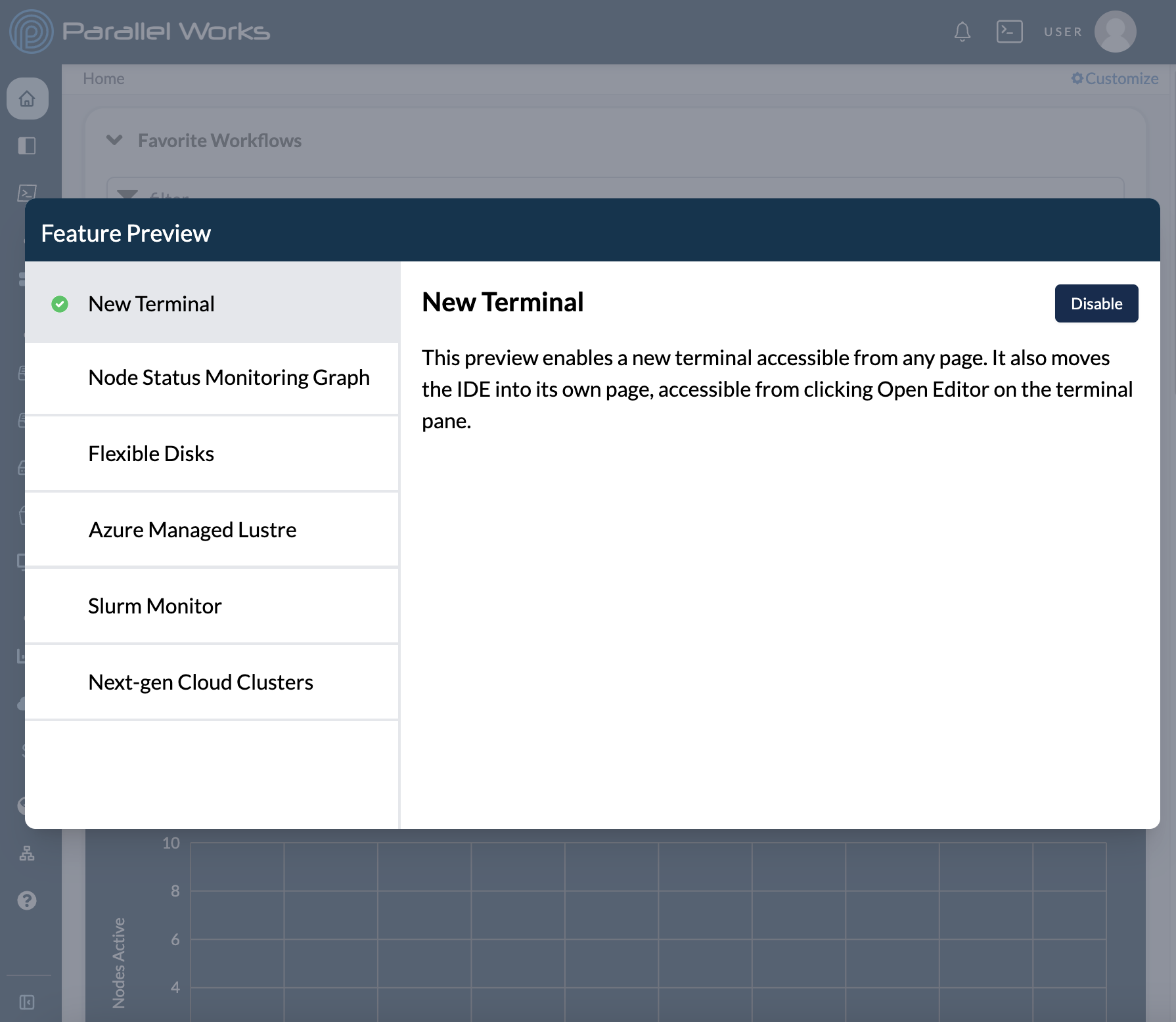
You can remove features at any time by clicking Disable.
Please note that the items listed in the Feature Preview are controlled by your organization's administrator.