
Inbox
The Inbox shows notifications from your clusters, workflows, and organization administrators. Stay informed about important events and messages.
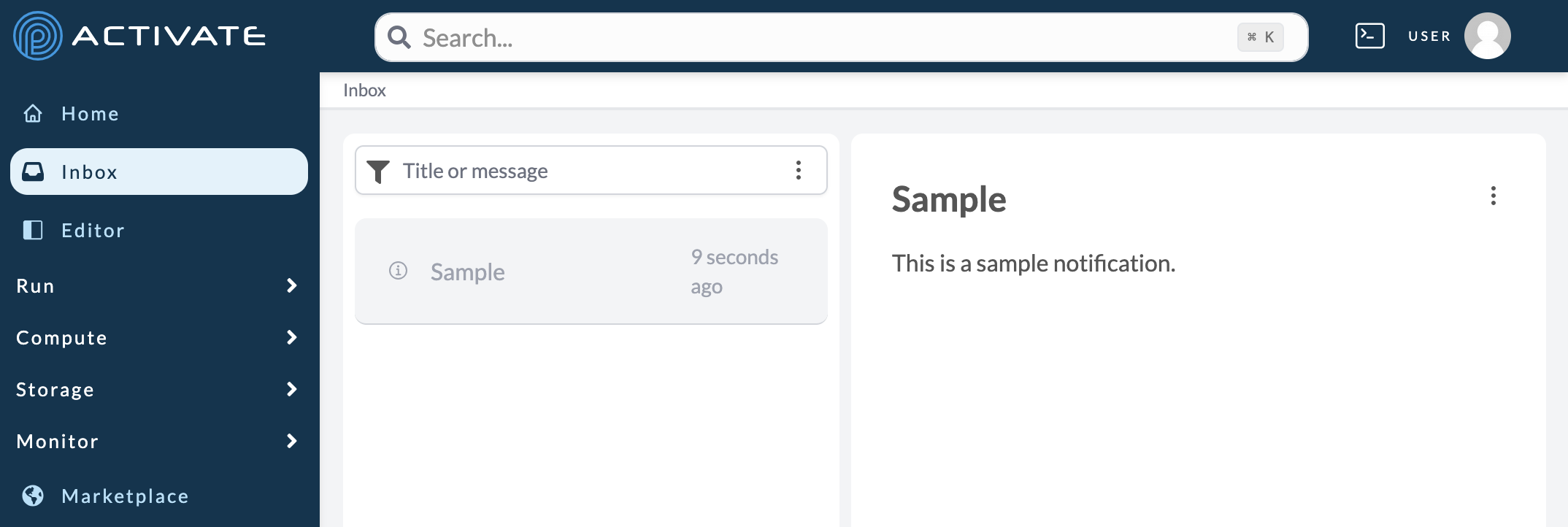
Accessing the Inbox
Click Inbox in the sidebar navigation to view your notifications.
Types of Notifications
Cluster Notifications
- Cluster started or stopped
- Provisioning complete
- Cluster errors or warnings
Workflow Notifications
- Workflow run completed
- Workflow run failed
- Important workflow events
Administrator Messages
Organization administrators can send messages to users about:
- System maintenance
- New features
- Policy updates
- Important announcements
Managing Notifications
Reading Notifications
Click a notification to view its full details. Unread notifications are highlighted.
Marking as Read
- Click a notification to mark it as read
- Use "Mark all as read" to clear all unread indicators
Notification Preferences
Configure which notifications you receive in Account Settings.
Related Documentation
- Managing Notifications - Configure notification preferences
- Dashboard - View activity overview