
Resetting Your Password
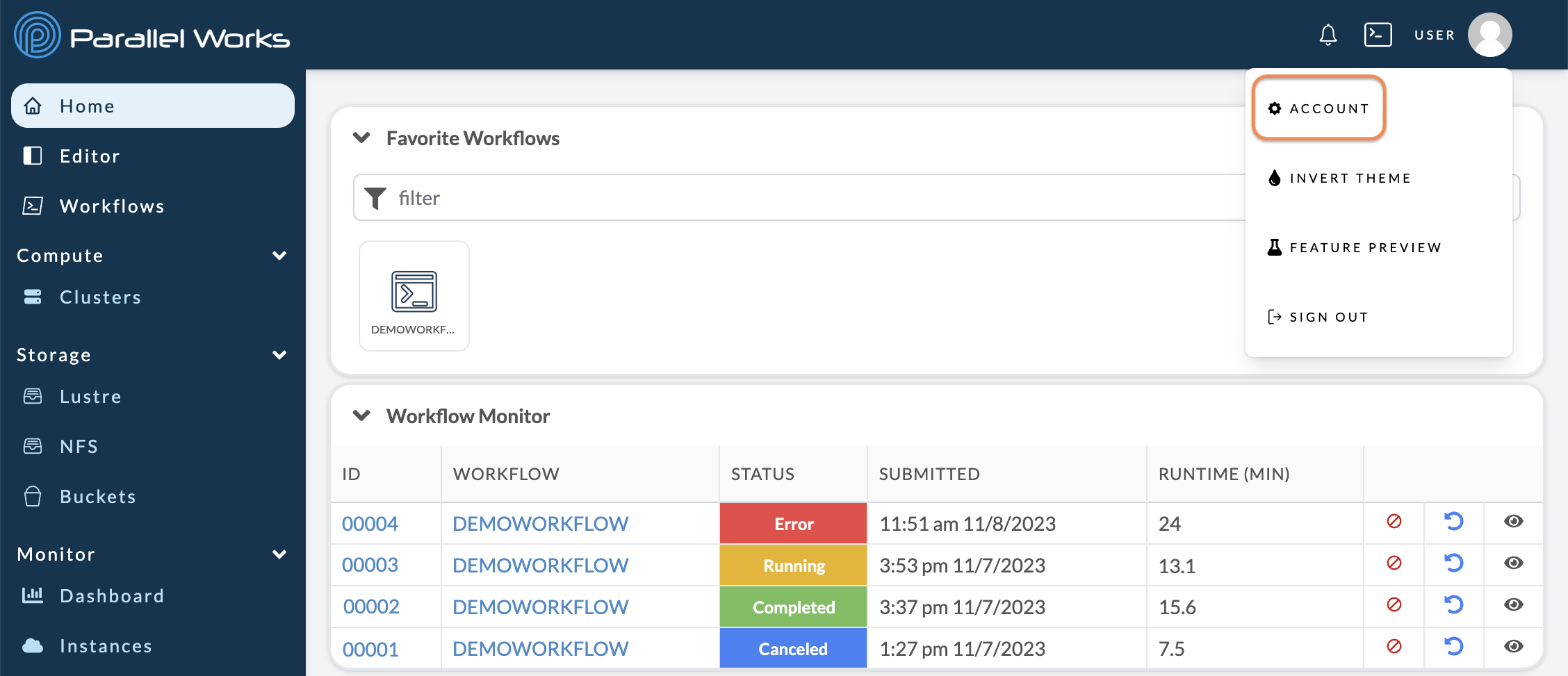
Navigate to your account settings (Username > Account).
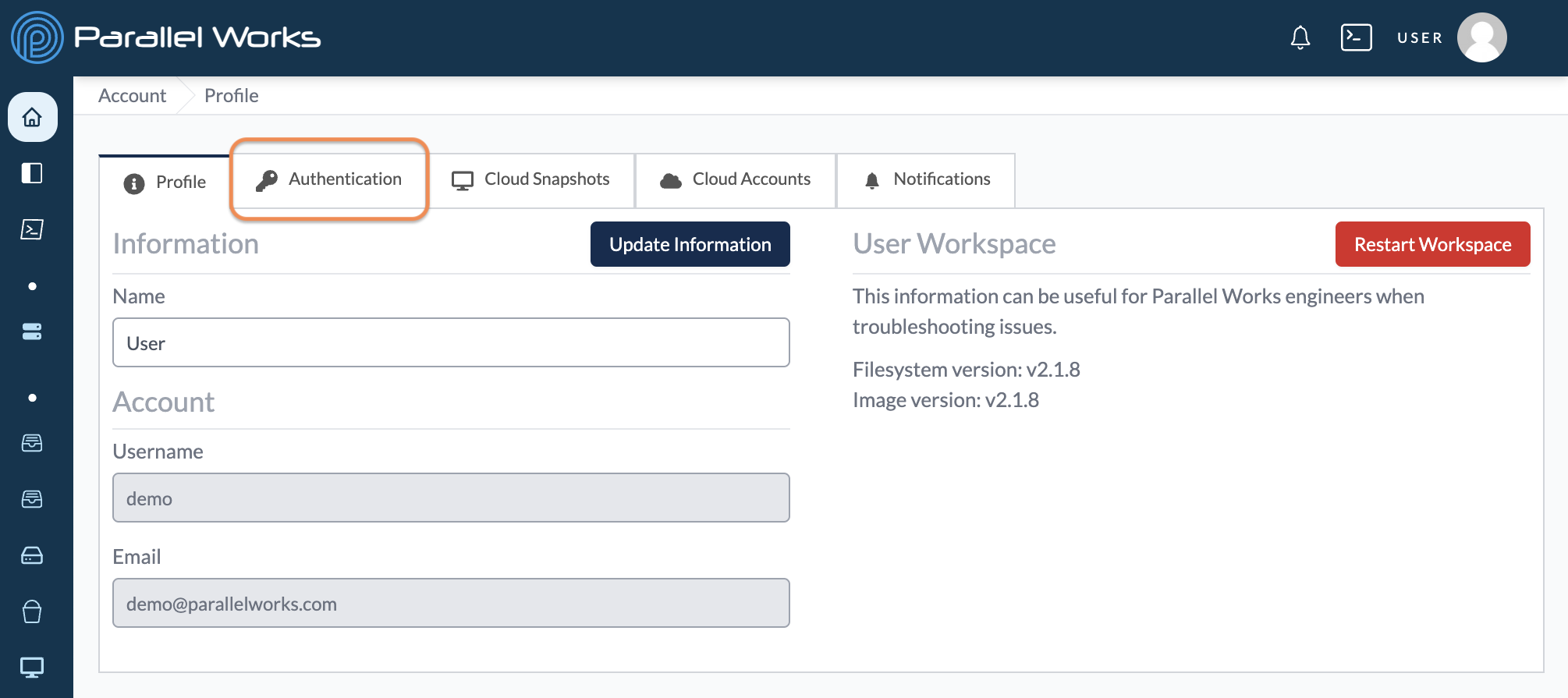
On the next page, click Authentication.
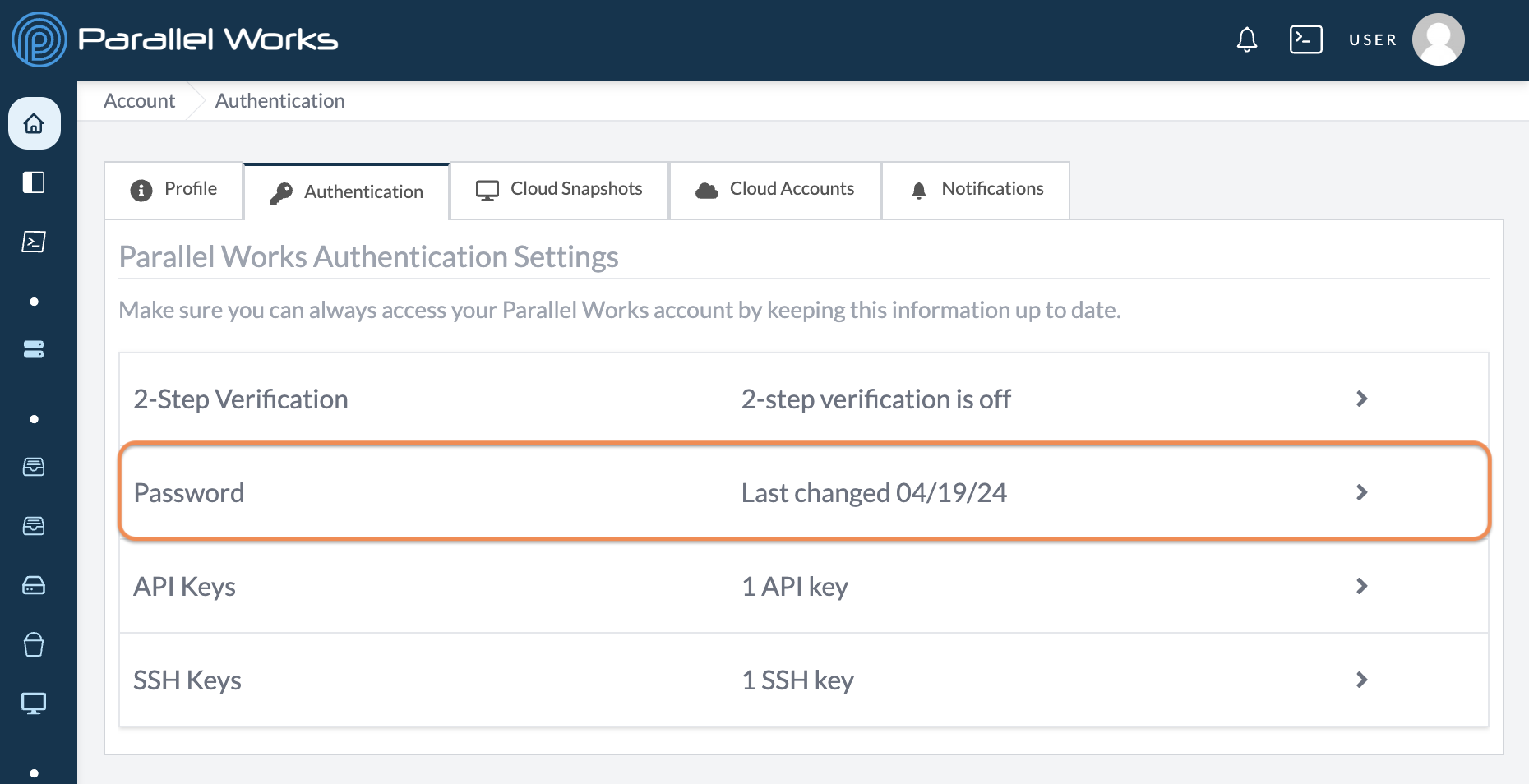
Click Password.
On the next page, enter your current password and your new password.
Your new password must contain:
- at least 15 characters
- one lowercase character
- one uppercase character
- one number
- one special character
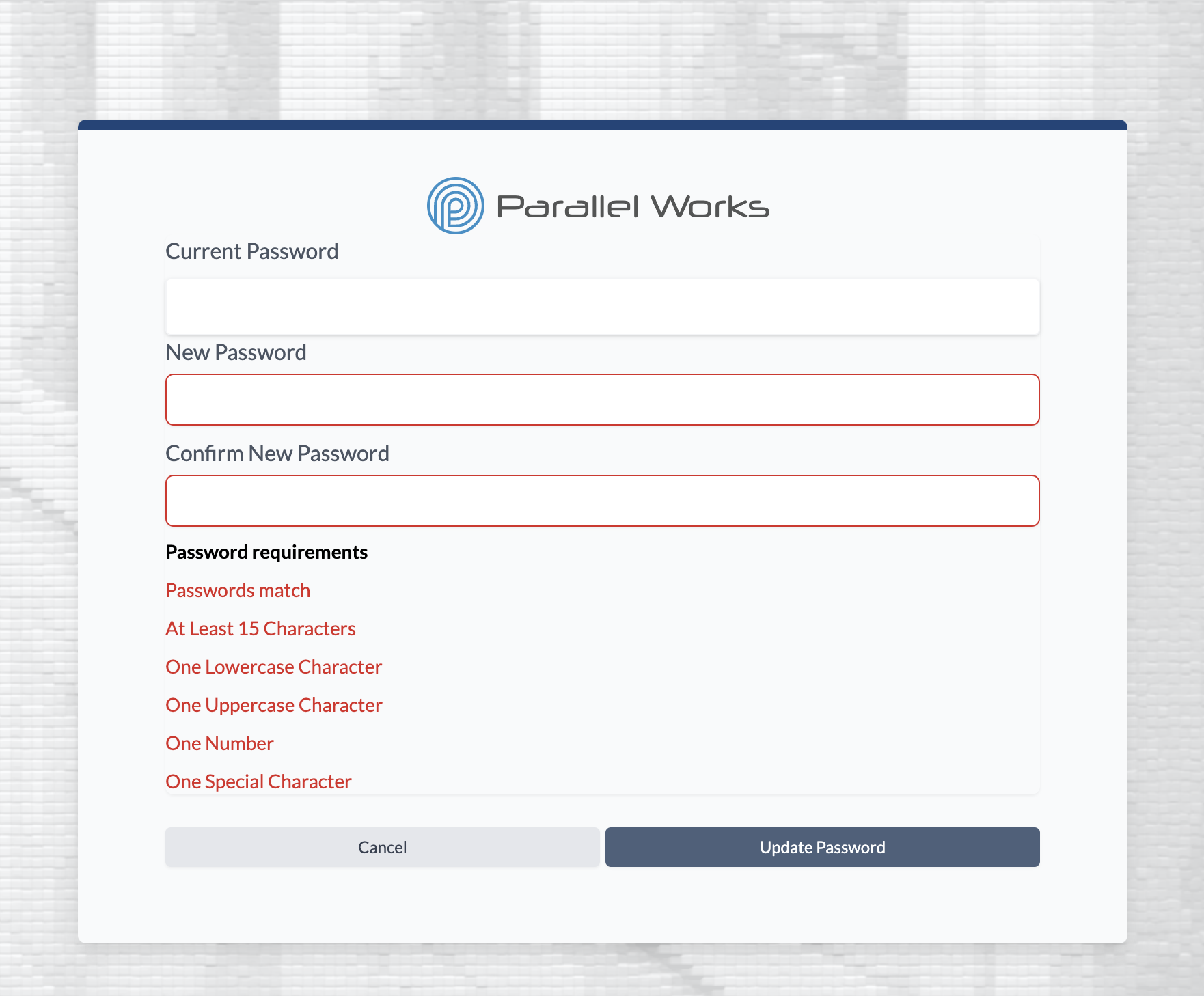
When you're done, click Update Password.